
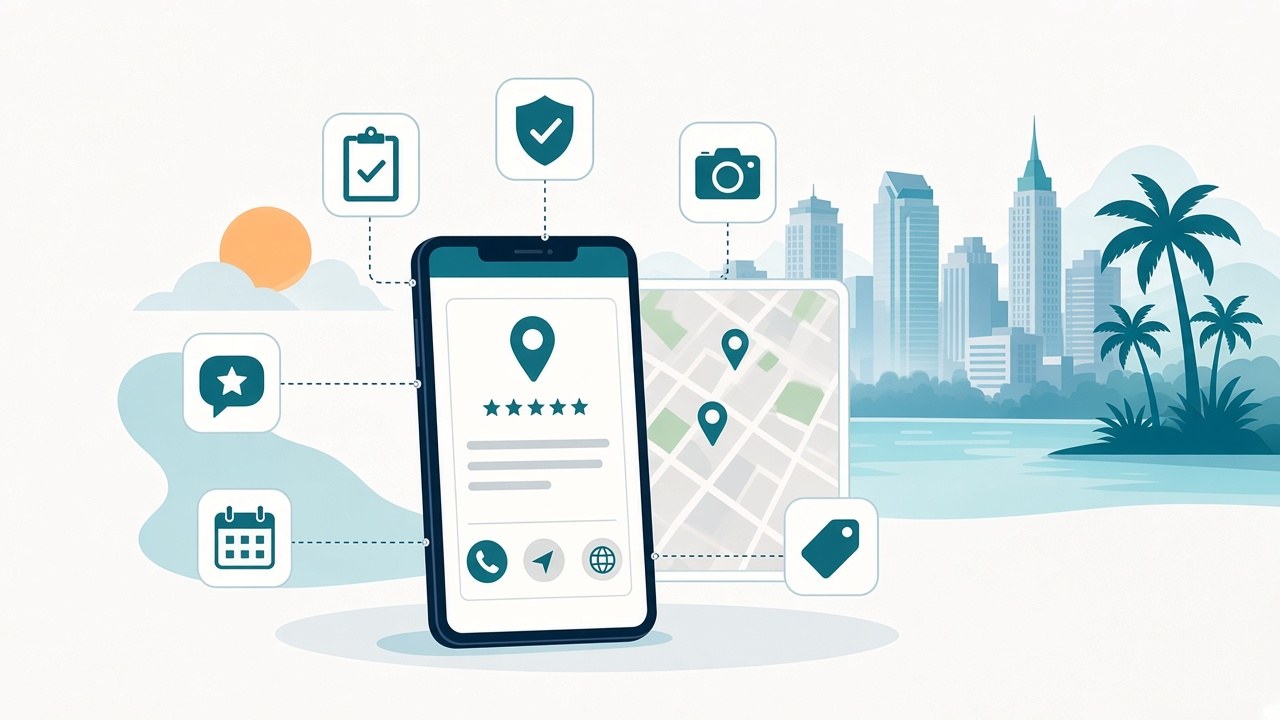
Short answer: Google Business Profile optimization in Orlando comes down to a few basics done well and kept current: claim and verify your profile, choose the most specific category that describes your core business, fill in accurate contact details, hours and service areas, ask real customers for reviews and reply to them, add genuine photos, and post useful updates. Your website should repeat the same business details so Google and customers see one consistent picture. No one can buy or guarantee a higher position on Google Maps, but a complete, accurate profile gives you the best chance to show up and get the call. Designquik's Google Business Profile services explain how we help Orlando businesses organize and maintain that information.
What is a Google Business Profile, and why does it matter for Orlando businesses?
A Google Business Profile is the free business listing that can appear on Google Search and Google Maps when someone looks for a business like yours. It shows your name, category, phone number, hours, website, reviews, photos and updates, often before a customer ever visits your site.
For service businesses in Orlando and across Central Florida, that listing is often where a customer decides whether to call. When someone searches for a plumber, a dentist or a web designer "near me," Google shows local results based on what it knows about nearby businesses. If your profile is missing details, shows old hours or lists the wrong phone number, a competitor with a clearer profile may get the call instead.
That is why your profile is a core part of local SEO in Orlando. It works alongside your website, not instead of it.
How do you verify a Google Business Profile?
Verification tells Google that you are allowed to manage the business. According to Google's help page on verifying your business, you need to verify before you can edit details such as your business name or hours and interact with customers. Google also lists verification as one of its tips for improving local ranking.
Here is how the process works, based on Google's documentation:
- Sign in with a Google Account you control, ideally one tied to a business email address.
- Find or add your business. Search for your business name and city. If it is already listed, claim it. If not, add it.
- Use the verification method Google offers. Google decides which methods are available based on your business type, public information, region and hours, and you cannot change it. Options can include phone or text, email, video recording, live video call or postcard, and some businesses need more than one method.
- Wait for the review. Google says verification reviews can take up to five business days, and occasionally longer.
If you get a postcard, Google advises not to edit your business name, address or category while you wait and not to request a new code, because either can delay the process. Never share a verification code with anyone, including someone who manages your profile for you. If an agency or freelancer helps, Google lets you add them as a manager after you are verified, so you keep ownership.
Which Google Business Profile categories should you choose?
Your categories tell Google what kind of business you are. They are one of the most important parts of GBP setup, and also one of the easiest to get wrong.
Google's guidelines for representing your business say to:
- Use as few categories as possible to describe your overall core business.
- Be as specific as possible. Pick the category that completes the sentence "This business IS a…", not "This business HAS a…".
- Not use categories as keywords or to describe features or amenities.
Google's own 2026 Business Profile best-practices guide says you can add up to 10 categories in total: one primary and nine secondary. That is a limit, not a goal. Start with the primary category that best describes your main service, then add secondary categories only for other things your business actually is. When you choose a specific category, Google says it includes the related general categories behind the scenes, so you can skip ones that repeat what you already picked.
A quick way to research is to look at how similar Orlando businesses are listed on Google Maps. Just make sure every category you choose matches the services you really offer.
What business information should be complete and accurate?
Google says businesses with complete and accurate information are more likely to show up in local search results. Work through each field:
- Business name: Use your real-world name, the same one on your signs, website and invoices. Google's guidelines do not allow adding keywords, locations or taglines to the name, and doing so can get a profile suspended.
- Address or service area: If customers visit you, show your address. If you travel to customers, such as contractors, cleaners or mobile services, set a service area and hide your address. Google says a service area should generally not extend farther than about two hours of driving time from where you are based. Virtual offices are not eligible.
- Phone number: Use a number your business controls, preferably a local number instead of a call center line. Make sure it matches the number on your website.
- Website: Link to your own site, ideally a page that matches the service or location.
- Hours: Add regular hours plus special hours for holidays and closures. Outdated hours are one of the fastest ways to frustrate a customer.
- Business description: Explain what you do, who you serve and what makes you different. Google does not allow links, prices or promotional offers in the description.
- Services and attributes: List the services you actually provide and any attributes that apply.
Keep these details in step with your website. If you move, change your number or add a service, update both on the same day.
How do reviews help your Google Business Profile?
Reviews help in two ways. They help customers decide, and Google lists them as part of prominence, one of the factors behind local results. In its tips on improving local ranking, Google says more reviews and positive ratings can help a business's local ranking, and that replying to reviews shows customers you value their feedback.
A simple review routine looks like this:
- Ask every real customer, not only the happy ones. Google's review policies do not allow businesses to selectively ask for positive reviews, discourage negative ones, or offer discounts, payment or freebies in exchange for a review.
- Make it easy. Google lets you share a review request link or QR code from your profile.
- Reply to reviews, positive and negative, in a calm, helpful tone. Thank people, address problems without sharing private details, and invite them to contact you directly when needed.
- Never post fake reviews or reviews from employees, family or anyone with a conflict of interest. Google's policies say incentivized and conflict-of-interest reviews are removed.
Steady, genuine reviews over time look more trustworthy to customers than a sudden burst.
How do photos help your Google Business Profile?
Photos show customers what to expect before they call or visit. Google says photos and videos help tell the story of your business, and that an exterior photo helps customers recognize your location. If you are a service-area business, show your team at work, your vehicles, your equipment and finished jobs, but only real ones.
Google's photo guidelines ask for JPG or PNG files between 10 KB and 5 MB, with a recommended resolution of 720 by 720 pixels. Photos should be in focus, well lit and represent reality, without heavy filters or editing. Add a clear logo and a cover photo, then keep adding fresh photos as your work changes. Note that photos only appear after your profile is verified.
How often should you post on your Google Business Profile?
Google Business Profile posts let you share updates, offers and events on Search and Maps. Google's 2026 Business Profile best-practices guide recommends posting at least once a week and using different post types, such as updates, events and offers.
Quality matters more than volume. Post when you have something useful to share: a new service, seasonal hours, a completed project you are allowed to show, an event or a genuine offer. Google's help page on creating posts notes that posts older than six months are archived unless they have a date range, and that posts are reviewed against Google's content policy. Avoid putting a phone number in a post description, because Google may reject it if it cannot confirm the number belongs to your business.
If weekly posting feels like too much, a regular schedule you can keep is better than a burst of posts followed by months of silence.
How does your website support your Google Business Profile?
Your profile and your website work as a pair. Google says it can detect category information from your website and from mentions of your business across the web, and the number of websites that link to your business is part of prominence. A strong website helps your profile in several ways:
- Consistent details. Your name, phone number, address or service area and hours should match everywhere.
- Service pages that match your categories and services, so a customer who taps "Website" lands on a page that answers their question.
- Location content that explains the Orlando-area communities you serve, without stuffing city names.
- Local business schema that states the same facts in a format search engines can read.
- Tracked links, so you can tell which calls and form leads come from your profile.
This consistency also helps AI search tools that pull business facts from several sources. Our guide to AI SEO, AEO and GEO in Orlando explains how clear, consistent information helps you show up in AI answers as well as traditional search. If your hours, services or phone number change often, a website care plan can keep your site and your profile in sync. For broader local SEO in Orlando, see Designquik's search visibility services.
Your Google Business Profile optimization checklist
Use this list for a first setup or a quarterly review:
- Profile claimed and verified, with the owner account under your control
- Business name matches your real-world name, with no added keywords
- Most specific primary category chosen; secondary categories only where they truly apply
- Address shown, or service area set and address hidden for service-area businesses
- Local phone number that matches your website
- Website link pointing to a relevant page
- Regular hours and holiday or special hours up to date
- Clear business description with no links or prices
- Services and attributes filled in accurately
- Logo, cover photo and recent, real photos of your work
- A fair, ongoing way to ask every customer for a review
- Replies to new reviews, positive and negative
- Posts on a schedule you can keep
- Website, schema and other listings showing the same details
- Calls, direction requests and website clicks reviewed regularly
Can anyone guarantee a top Google Maps ranking?
No. Google says there is no way to request or pay for a better local ranking. Local results are based mainly on relevance, distance and prominence, and you cannot control distance, because it depends on where the person searching is. Be cautious of anyone who promises a guaranteed spot in the Google Maps "local pack."
What you can control is how complete, accurate and active your profile is, how well your website supports it, and how you earn and respond to reviews. Designquik's own service page states that we cannot sell or guarantee a specific Maps or local-pack position, and focuses instead on the information and systems a business controls.
When should you get help with your Google Business Profile?
Many owners can handle the basics. It may be time to get help when:
- You cannot access or verify your profile, or someone else controls it.
- There are duplicate listings or the wrong address or phone number shows on Maps.
- Your profile was suspended or edits keep getting rejected.
- You are not sure which categories, services or service areas to use.
- Your website and profile tell different stories about your business.
- You want a steady process for photos, posts and reviews but do not have time to run it.
Designquik's Google Business Profile services cover claim and verification support for eligible businesses, category review, business details and service-area organization, photo, update and review-response workflows, website and profile consistency checks, and performance reviews.
Frequently asked questions
How long does Google Business Profile verification take?
It depends on the method Google offers your business. Google says verification reviews can take up to five business days and occasionally longer. If you verify by postcard, Google says most codes arrive within 14 days and expire after 30 days.
How many categories can I add to my Google Business Profile?
Google's 2026 best-practices guide says up to 10: one primary and nine secondary. Google's guidelines also say to use as few as possible, choose the most specific ones that describe your core business, and never use categories as keywords.
Do reviews affect Google Maps ranking?
Google says the number of reviews and positive ratings can help local ranking as part of prominence, alongside relevance and distance. Reviews also help customers decide. Ask every customer fairly and never offer incentives for reviews.
How often should I post on my Google Business Profile?
Google's 2026 best-practices guide recommends posting at least once a week. Focus on useful updates, offers and events, and keep a schedule you can maintain. Posts older than six months are archived unless they have a date range.
Can a service-area business have a Google Business Profile without showing an address?
Yes. Businesses that travel to customers can set a service area and hide their address. Google says the service area should generally stay within about two hours of driving time from where the business is based, and virtual offices are not eligible.
Conclusion
A Google Business Profile is one of the most practical local SEO tools an Orlando service business has, and it rewards accuracy more than tricks. Verify your profile, choose specific categories, keep your contact details, hours and service areas current, earn genuine reviews and reply to them, add real photos, post on a schedule you can keep, and make sure your website tells the same story. To get help with your profile, see Designquik's Google Business Profile services, contact Designquik, or call +1 (407) 505-2805.



Leave a comment